
Fidget Handle
A handheld controller with a joystick, buttons and a pressure sensor. It picks up the small movements people make when they fidget and answers with sound, vibration and visuals on a screen.
Stress and anxiety often show up as unconscious hand movements such as tapping, squeezing or fidgeting. Fidget Handle explores how these natural behaviors can be redirected into a calming, intentional interaction.
The project combines physical controls, embedded electronics and real-time digital feedback in one object you hold with both hands.
What hands already do
I asked people around me which stress relief objects they use and what they get out of them. Three of the answers:

"I like squeezing soft things."
Stress ball, squeeze

"The sound of the meal bell is quite addictive!"
Meal bell, press

"Lately, the trending radish cutting is really cool when it spins."
Radish toy, spin
Other objects I looked at

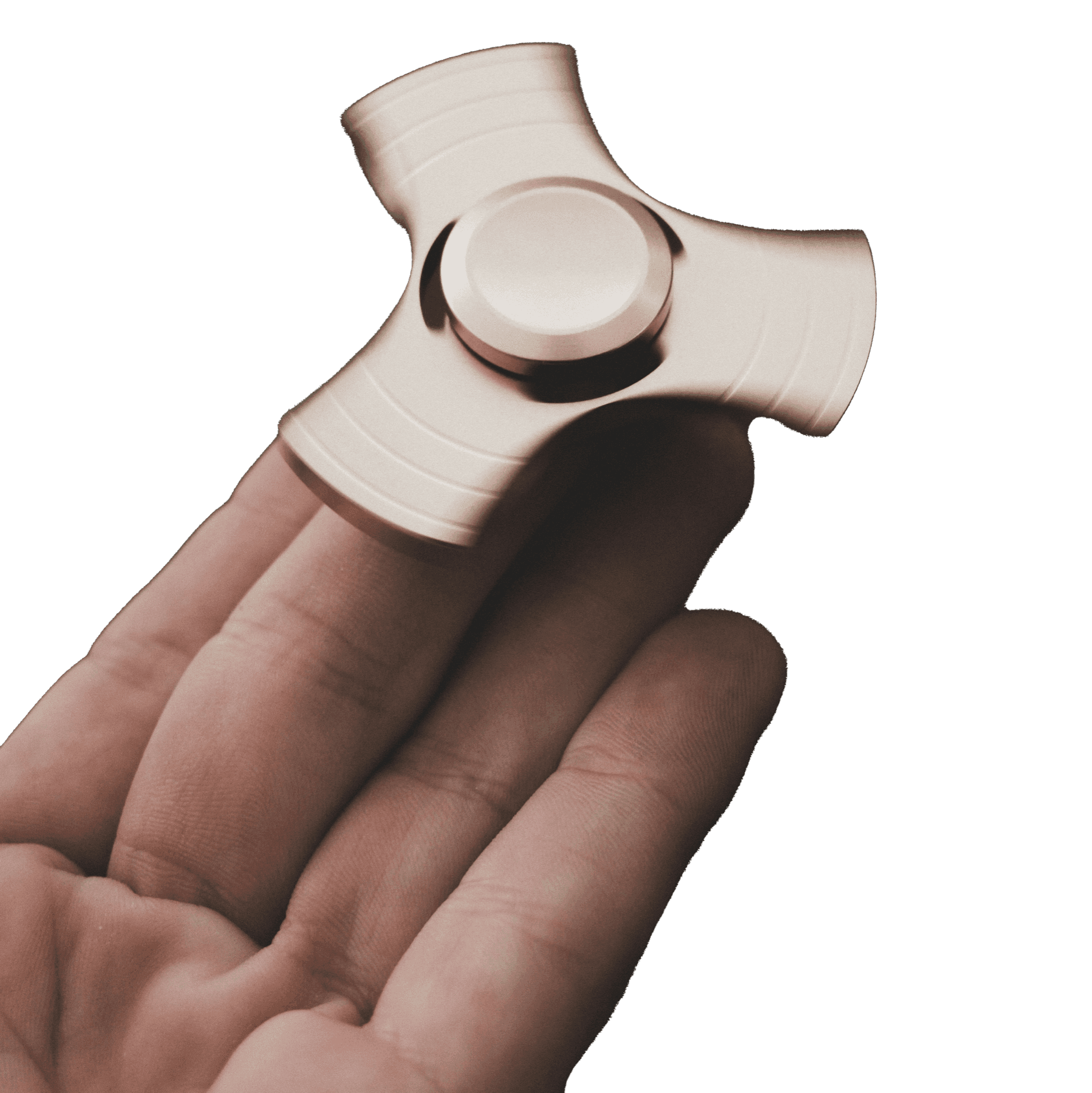


Squeezing, pressing and spinning already produce feedback people find comforting and want to repeat. The handle had to take all three.

Grip

Pinch

Punch
Hand pose studies
From clay to print
I handed people clay and let them knead whatever shapes felt right, then placed the hardware on those shapes as the first prototype test. The shell went through several rounds after that, and it had to work for the hand and for the boards inside.

1Clay in the hand

2Clay forms

3First print

4White model

5Final shell
Wiring it up

Everything runs on an Arduino, so I could test the interaction logic before anything went into the shell.
- Each button plays its own tone, and a sequence of presses plays a melody.
- The joystick's position sets how hard the vibration motor buzzes.
- Sensor readings go over serial to Processing for the visuals.


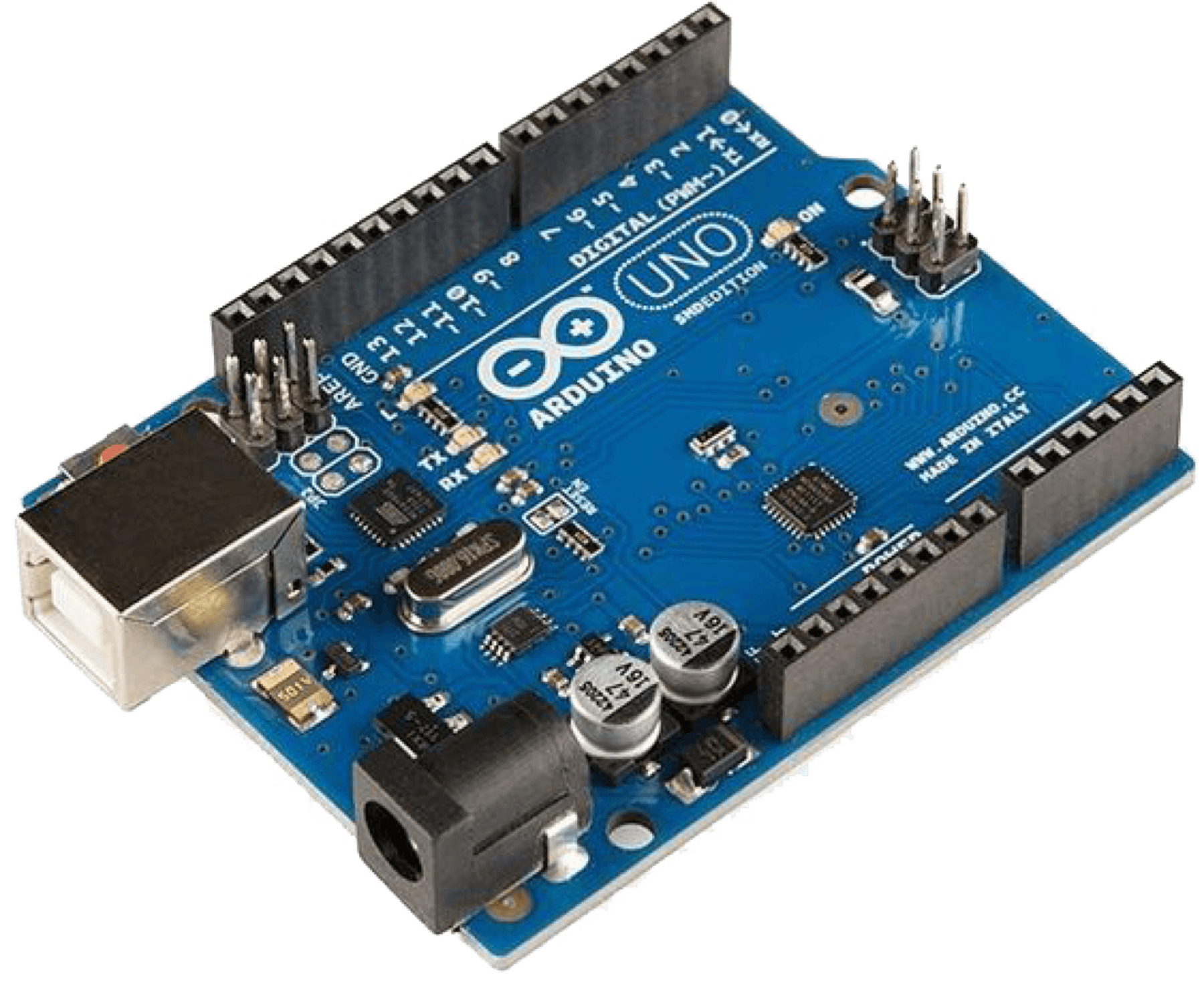
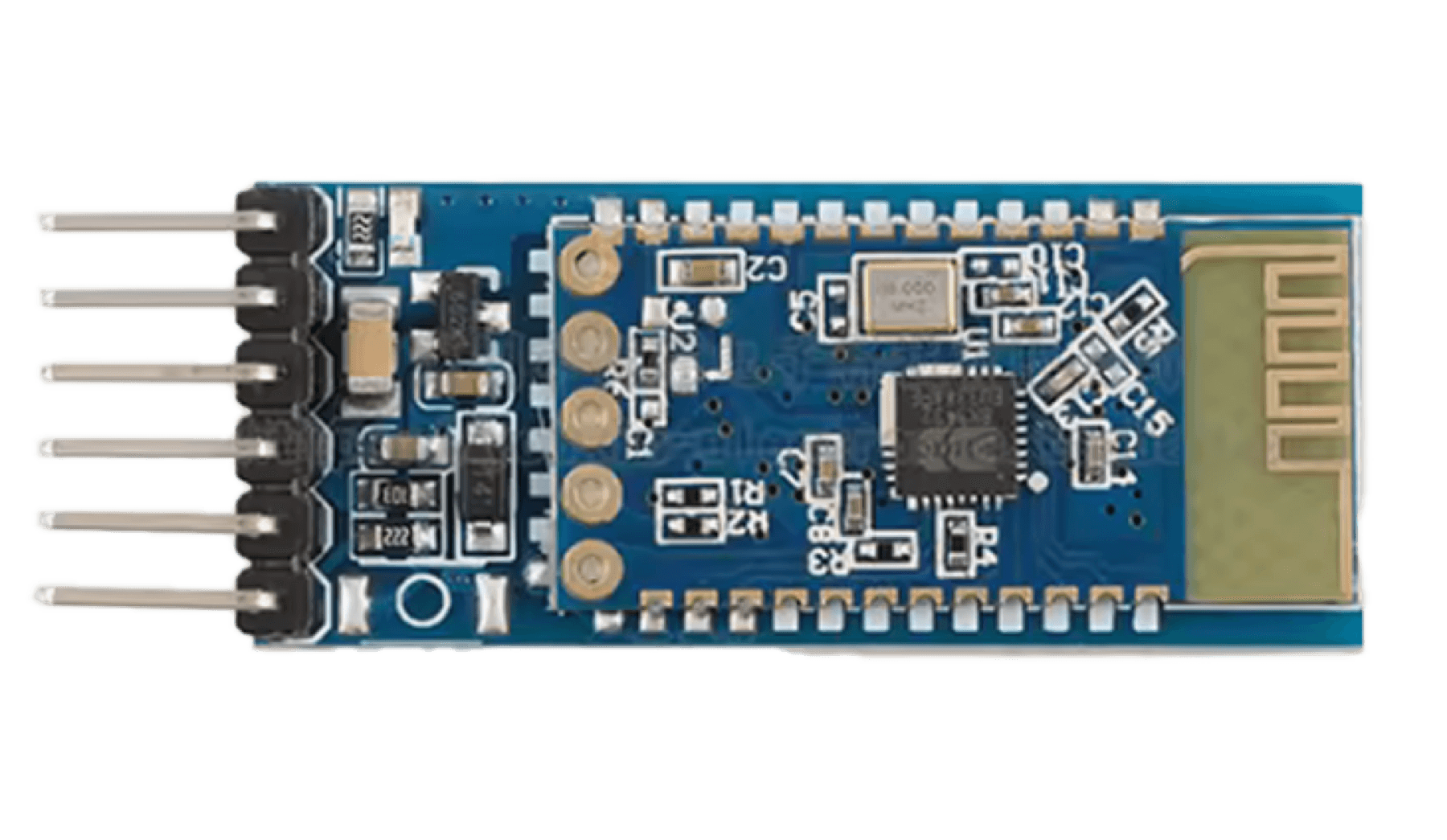
Inside the handle
- 1Top board
- 2Joystick
- 3Speaker
- 4Middle board
- 5OLED screen
- 6Button
- 7Bluetooth
- 8MPU6050
- 9Uno board
- 10Battery
- 11Down board

On screen, in Processing
Three Processing sketches turn the handle's inputs into visuals and sound in real time.

Joystick paint

MPU6050 cube

MPU6050 cube

Pressure game
Joystick paint
Paint by twisting the joystick and pressing buttons.
MPU6050 cube
Shake the handle and press the pressure sensor to trigger sound and visuals.
Pressure game
The pressure sensor drives the visuals; the joystick and buttons drive the sound.

Two experiments with AI tools

Morse code from the pressure sensor
Short and long presses on the pressure sensor write Morse code. ChatGPT translated the code into letters and words, which then became text for a text-to-music step.

Image to music with Mubert
The path of the user's movement is drawn as an image, and I uploaded that image to Mubert to generate music from it.
The product page
In fall 2025 I rebuilt the project as a product microsite for a Web and UI course at RIT. These are the product shots from it.


